Examples to try
On this page
How to use the Strikethrough Text Generator
- Type or paste your text in the box.
- Every style updates as you type.
- Tap Copy next to the one you like and paste it anywhere.
About Strikethrough text
Strikethrough text adds a combining stroke after every character, so a line runs through the whole word. Because the line is part of the text, it stays when you paste into Twitter, Instagram or a text message, which have no strikethrough button.
In Discord and WhatsApp you can also use their own formatting, ~~text~~ or ~text~, which is easier for screen readers. The Unicode version is for everywhere else.
Popular uses
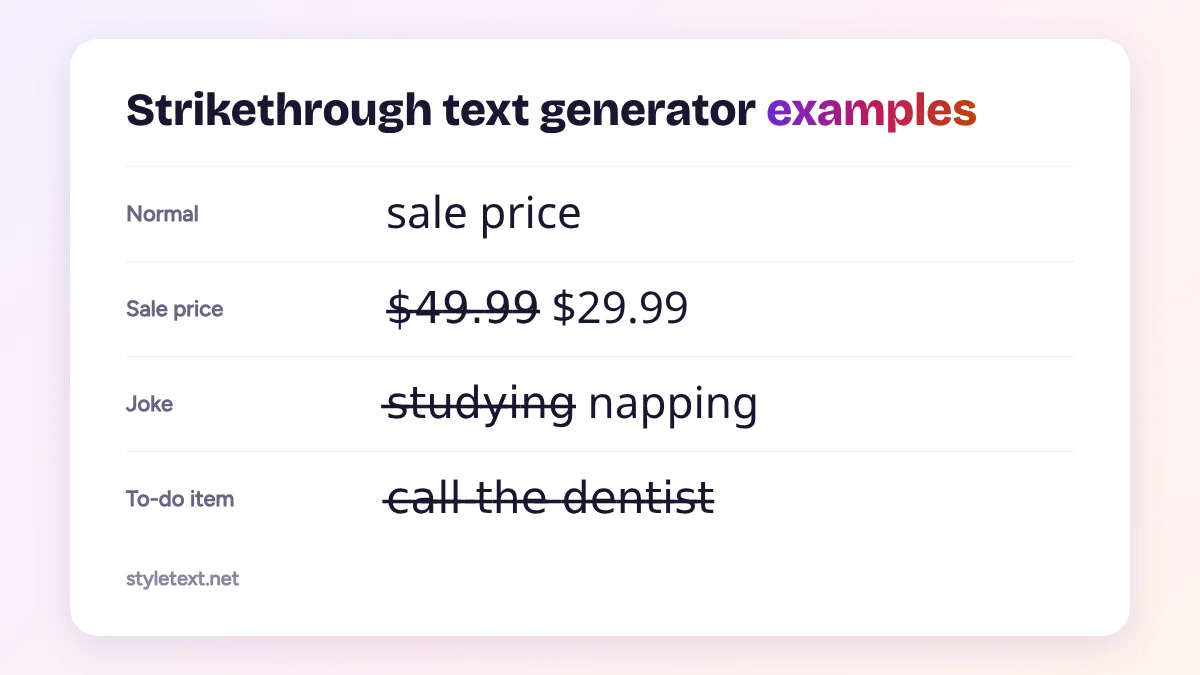
- Jokes like "s̶t̶u̶d̶y̶i̶n̶g̶ napping"
- Old and new prices in sale posts
- Showing edits and corrections
- Crossed-off to-do items
How to strike through text in each app
Some apps have their own strikethrough formatting. Where they do, it is the cleanest option; everywhere else, copy the text from this strikethrough text generator.
- Discord and Telegram: type ~~your text~~ with two tildes on each side.
- WhatsApp and Slack: use one tilde on each side: ~your text~.
- Google Docs: select the text and press Alt+Shift+5 on Windows or Cmd+Shift+X on a Mac.
- Microsoft Word: select the text and click the strikethrough button (abc) on the Home tab.
- Instagram, TikTok, X and Facebook: there is no formatting button, so paste the crossed out letters made here.
Ideas for crossed out text
- Sale posts: $̶4̶9̶.̶9̶9̶ $29.99 shows the discount at a glance, perfect for Black Friday and holiday deals.
- Jokes: “s̶t̶u̶d̶y̶i̶n̶g̶ napping” or “d̶i̶e̶t̶ ̶s̶t̶a̶r̶t̶s̶ ̶m̶o̶n̶d̶a̶y̶ next week”.
- Corrections: show the old word next to the new one, so readers can see what changed.
- To-do lists: cross off finished tasks in a shared note or a story.
Type any of these into the strikethrough text generator above and the line appears as you type.
Strikethrough vs. slashed text
The strikethrough styles draw a straight line across the middle of each letter, either full width or a little shorter. The slashed styles draw a diagonal line instead (s̸l̸a̸s̸h̸e̸d̸), which looks more like a hand-drawn correction. All four come from combining marks in Unicode, the same kind of marks the cursed text generator stacks for its glitch effect.
Tips before you paste
Every letter gets one extra mark, so crossed out text uses about twice as many characters. A 150-character bio fits only about 75 crossed out letters. In some fonts the line breaks slightly between letters; the short strike style usually looks smoother. Screen readers may read the marks aloud or skip the line, so do not rely on strikethrough alone to say that something is wrong or cancelled. For more playful styles, try the weird text generator.
Frequently asked questions
How does strikethrough text work?
A combining stroke character is added after every letter, drawing a line through it.
Is crossed out text the same thing?
Yes. Strikethrough, strikeout and crossed-out text all mean this effect.
Does Discord have its own strikethrough?
Yes, wrap text in ~~double tildes~~. The Unicode version works in other apps too.
Why is the line broken between letters?
Some fonts draw each stroke separately. The short strike style often looks smoother.