What are YouTube fonts?
YouTube fonts are special Unicode letters that look bold, italic or decorative but paste in like normal text. YouTube itself only gives you a few formatting tricks in comments, so these letters let you highlight words in places where there is no bold button.
This YouTube font generator uses characters from the Unicode standard, so what you copy is real text, not an image.
On this page
Examples to try
How to use the YouTube Font Generator
- Type or paste your text in the box.
- Every style updates as you type.
- Tap Copy next to the one you like and paste it anywhere.
About Youtube font
YouTube descriptions and comments have only simple formatting, such as *bold* and _italic_ with symbols, and the channel name has none. Unicode letters work around that: they paste in as characters, so the style shows wherever YouTube shows text.
Keep video titles mostly in plain words. Search matches normal letters best, and styled letters can make a title harder to find and to read on small screens. For text on a thumbnail image, use one of the image text makers to export a PNG.
Popular uses
- Channel name and handle display
- Section headings in video descriptions
- Pinned comments and replies
- Community posts
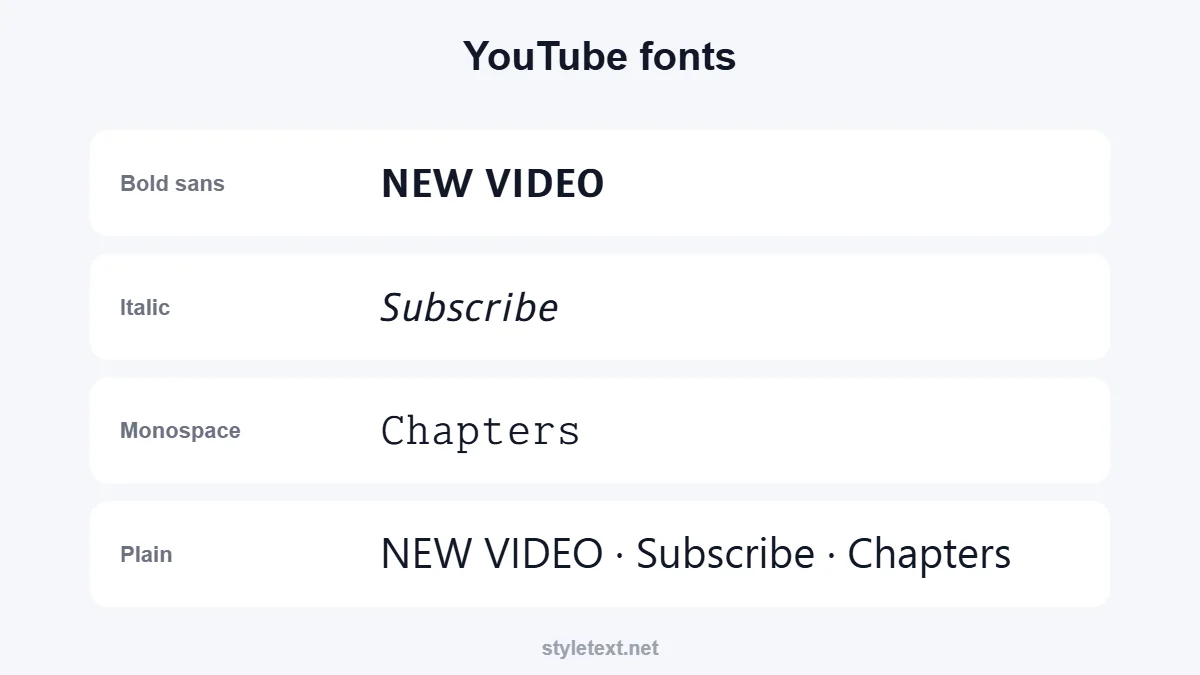
Where you can use YouTube fonts
- Video descriptions: a bold first line or bold section titles such as 𝗡𝗘𝗪 𝗩𝗜𝗗𝗘𝗢.
- Comments and replies: make a pinned comment or a timestamp list stand out.
- Community posts and polls: bold questions get more answers.
- Channel About section: bold headings like SCHEDULE or CONTACT.
Keep your video title in normal letters. Search matches plain words best, and some viewers’ devices or screen readers may struggle with fancy characters in a title.
Step by step: bold text in a YouTube comment
- Type your text in the box at the top of this page, for example Watch until the end.
- Find the bold sans style in the list and tap Copy.
- Open the video on YouTube and tap the comment box.
- Paste the text, add any normal words around it, and post.
- Check the comment on your phone too: if you see empty boxes, choose a simpler style such as italic.
YouTube’s own formatting vs. Unicode fonts
In comments, YouTube turns *words in asterisks* into bold and _words in underscores_ into italic. That built-in formatting is the safest choice, but it only works in comments, not in descriptions or channel names. Unicode fonts like 𝘚𝘶𝘣𝘴𝘤𝘳𝘪𝘣𝘦 work in more places. For other apps, see the Instagram fonts, TikTok fonts and Discord fonts pages, or the code-style monospace text generator.
Frequently asked questions
Can I use fancy fonts in my YouTube title?
You can, but plain words are better for search. Use a styled word or two at most.
Do these fonts work in YouTube comments?
Yes. Paste them into comments and replies like normal text.
How do I make text bold in a YouTube comment?
Put stars around it, like *this*, or paste bold Unicode letters from this tool.
How do I add text to a YouTube thumbnail?
Make a PNG with an image text maker, such as the 3D text generator, and add it in your thumbnail editor.