Examples to try
On this page
How to use the Italic Text Generator
- Type or paste your text in the box.
- Every style updates as you type.
- Tap Copy next to the one you like and paste it anywhere.
Step by step: italicize words in LinkedIn, Instagram and YouTube
Most social apps have no italic button. The trick is to style only the words you want to stress, then paste them back into your normal text.
LinkedIn post
- Write your post in LinkedIn as usual.
- Type the word or phrase you want in italics into the box above and copy the italic style.
- In your post, select the plain word, paste the italic version over it and publish.
Instagram caption or bio
- Copy the italic style of a word or a short quote.
- Open the caption field, or go to Edit profile and tap Bio.
- Paste it where you want the emphasis and save.
YouTube comment or video description
- Copy the italic words.
- Paste them into the comment box, or into the description in YouTube Studio.
- Post the comment or save the video details.
Where an app has real formatting, it is better to use that instead. In Discord and Reddit, wrapping a word in *asterisks* makes it italic. In WhatsApp, use _underscores_. Real formatting is easier for screen readers and search to understand.
About Italic text
Most social apps strip formatting, so the italic button in your keyboard or notes app disappears when you paste. Unicode has separate italic letters, made for maths, and those keep their slant wherever you paste them. That is how people italicise a word in an Instagram caption.
The sans italic looks like the italics in modern apps; the serif italic looks more bookish. Unicode has no italic numbers, so 2026 stays upright. One letter is special: the serif italic h comes from an older block (ℎ), which is why it can look a little different.
Popular uses
- Stressing one word in a caption or tweet
- Book, film and song titles in posts
- Quotes and soft-looking bios
- Usernames on apps that allow Unicode
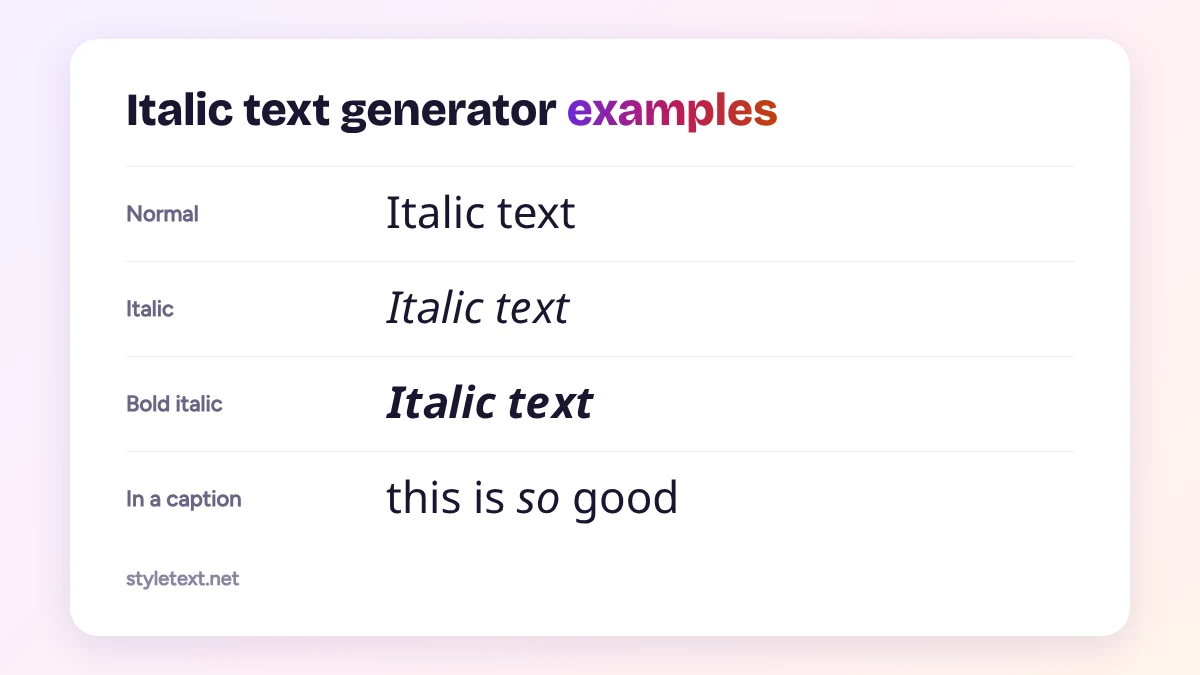
Italic, bold italic and serif italic
This italic text generator gives you four styles, all made from the italic letters that Unicode includes for math. Sans italic (𝘪𝘵𝘢𝘭𝘪𝘤) looks like the italics in most apps, serif italic (𝑖𝑡𝑎𝑙𝑖𝑐) looks like a printed book, and both come in a bold version (𝙗𝙤𝙡𝙙 and 𝒃𝒐𝒍𝒅) for words that need more weight.
Where italic text works
- Instagram and TikTok: captions, bios and comments have no italics button, so pasted italic letters are the only way to slant a word.
- X and Facebook posts: stress one word or write a book or film title in italics.
- LinkedIn: posts have no text formatting, so an italic word or heading stands out.
- Discord and WhatsApp: these apps already turn *word* (Discord) or _word_ (WhatsApp) into italics, so you only need the generator for names and places where that formatting does not work.
When to use italics
Italics work best for small things: stressing a single word (“that was so good”), the titles of books, films and albums, short quotes and words from another language. A whole paragraph in italics is harder to read on a phone, so use the italic text generator for a few words at a time.
For a short heading at the top of a LinkedIn or Facebook post, the bold italic style from the italic text generator stands out more than plain italic. For a book or film title inside a sentence, plain sans italic looks the most natural.
Tips before you paste italic text
Italic letters are separate characters, not normal letters with a style, so people searching for your name inside an app may not find the italic version. Screen readers can read them as math symbols, so keep links, prices and other important details in normal text. Numbers have no italic version and stay upright. For a smaller look, try the small text generator, or the gothic font generator for old-style letters.
Frequently asked questions
Why not just use the italic button?
Apps like Instagram, TikTok and YouTube remove formatting. Unicode italic letters are separate characters, so the slant stays.
What is the difference between italic and italicized text?
There is none here. Italic text, italics and italicized text all mean slanted letters.
Can I make bold italic text?
Yes. Use the bold italic sans or serif style in the list.
Are italic letters accessible?
Screen readers may read them oddly, so avoid putting important words or links in italics.