What is a serif font generator?
A serif font generator changes normal letters into Unicode serif letters, such as bold, italic and double-struck styles. You can paste the result into a bio, a caption or a username where you can’t pick a font.
This serif text generator uses math letter characters from the Unicode standard, so the text is real text, not an image. Copy one style or try them all.
On this page
Examples to try
How to use the Serif Font Generator
- Type or paste your text in the box.
- Every style updates as you type.
- Tap Copy next to the one you like and paste it anywhere.
About Serif font
Serifs are the small strokes at the ends of letters, the look of books, newspapers and Times-style fonts. Unicode includes complete serif alphabets in bold, italic and bold italic for mathematics, which is why these letters keep their style when you paste them into an app.
Bold serif is the most readable of the three and the best choice for names and headings. Italic serif suits quotes and soft emphasis. Unicode has no serif italic digits, so numbers stay plain in the italic styles, and the italic small h is a special character (ℎ) that some fonts draw a little differently.
Popular uses
- Bold headings in LinkedIn and X posts
- Elegant names in Instagram and TikTok bios
- Book and quote captions
- Emphasis in chats that have no bold button
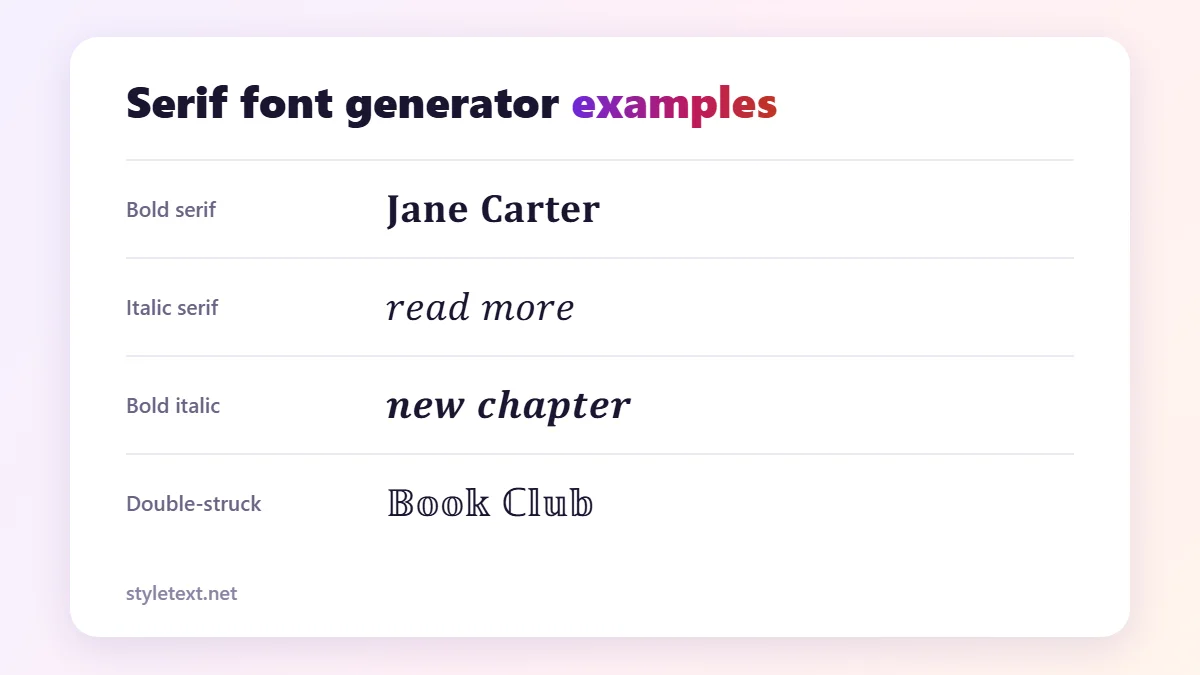
Which serif style to use
- Bold serif: 𝐉𝐚𝐧𝐞 𝐂𝐚𝐫𝐭𝐞𝐫. The most readable, best for names and headings.
- Italic serif: 𝑟𝑒𝑎𝑑 𝑚𝑜𝑟𝑒. Soft emphasis, quotes and book titles.
- Bold italic serif: 𝒏𝒆𝒘 𝒄𝒉𝒂𝒑𝒕𝒆𝒓. Strong and stylish, good for one key phrase.
- Double-struck: 𝔹𝕠𝕠𝕜 ℂ𝕝𝕦𝕓. An outlined, math-style look for logos.
This serif font generator shows all four as you type, so you can compare them in your own words.
Where serif text works well
- LinkedIn and X: a bold serif first line makes a post stand out, since there is no bold button.
- Bios: an elegant name in Instagram, TikTok or Threads.
- Book and reading posts: titles and quotes in italic serif.
- Chats: emphasis in apps that have no formatting.
Tips for serif text
Use it for a few words, not whole paragraphs: screen readers may read these letters one by one, and search inside apps works best with plain text. Keep links and @handles plain. For sans-serif bold text, see the Discord font generator, and for slanted text try the italic text generator. Every serif text generator style here is free to copy.
Why use a serif font generator?
Most apps don’t let you choose a font for your bio, captions or comments. A serif font generator gets around this by using special Unicode letters that already look bold, italic or double-struck. Paste them in and they show up the same way for your readers.
Serif styles feel classic and trustworthy, so they suit book clubs, writers, brands and professional profiles. Use this serif text generator to try each style, then keep the one that reads best on a small phone screen.
Frequently asked questions
What is the difference between serif and sans-serif?
Serif letters have small strokes at the ends, like a book font. Sans-serif letters are plain and modern. Try the sans-serif font generator for that look.
Why do numbers stay normal in italic?
Unicode has bold serif digits but no italic ones, so the italic styles keep numbers plain.
Can I use serif text on LinkedIn?
Yes. Paste it into posts or your headline. Keep the key words in normal text too, because search may not match styled letters.
Is this Times New Roman?
No. These are Unicode characters, so each device draws them with its own maths font. They look like a classic serif, not a specific brand font.